Unlock the app after subscribing on the website
If you subscribed on resistx.com, your subscription is already attached to your RESISTX account. Download the app and sign in with that same account. You do not need to subscribe again in the app. Your welcome page signs you in and shows each step for your account.
Download RESISTX


Sign in the same way as at checkout
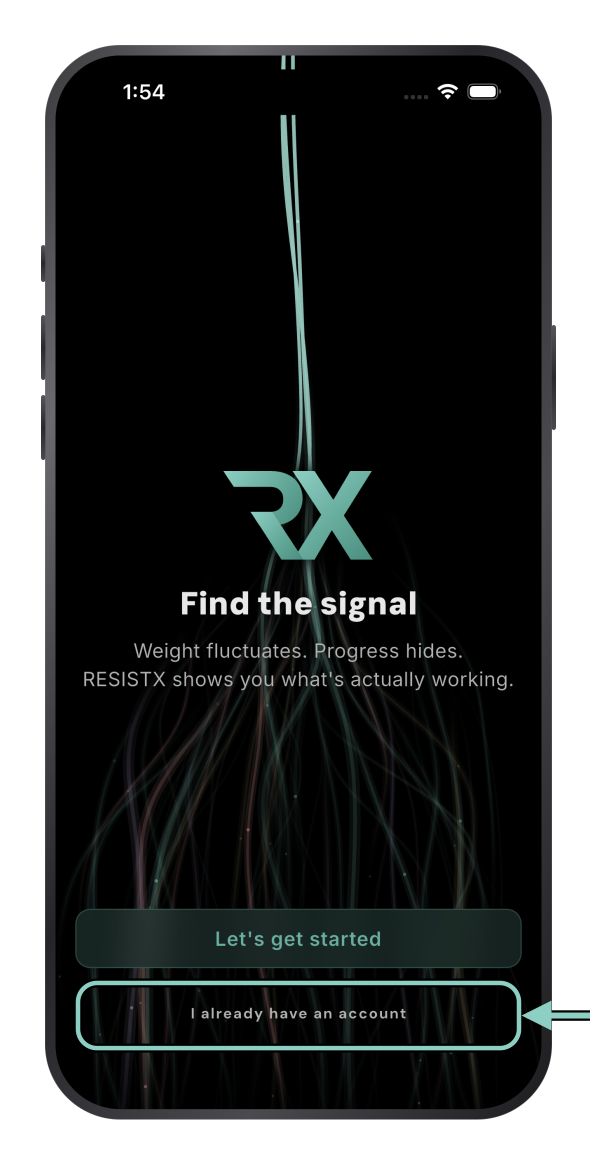
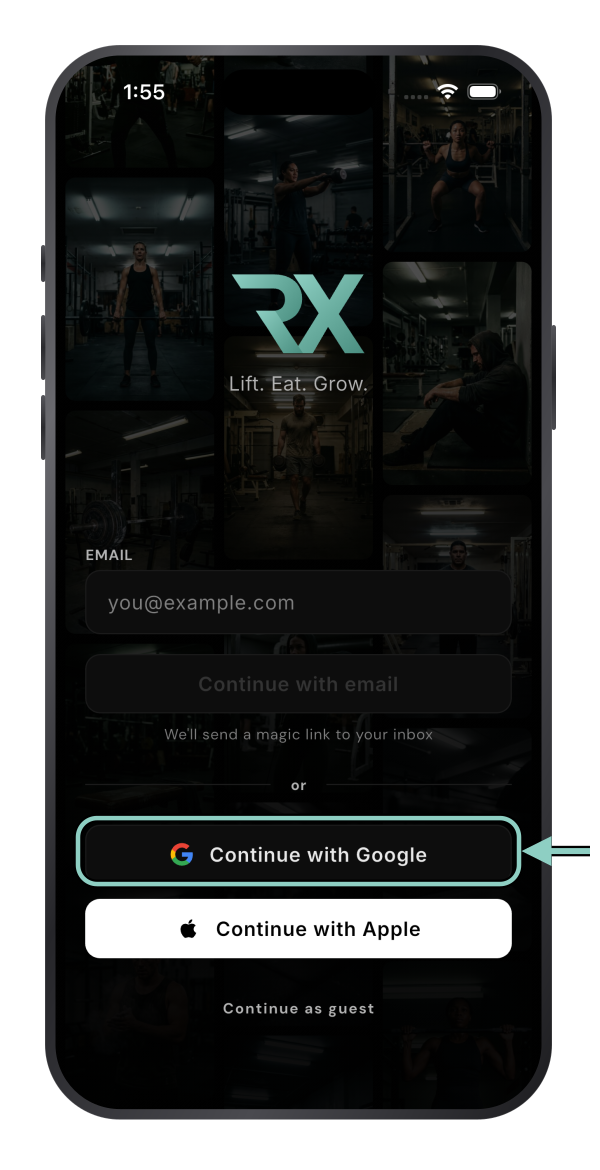
Open RESISTX and tap I already have an account. Choose the same option you used at checkout: Continue with Apple, Continue with Google or email.
Check that it worked
Go to Settings → Subscription. It shows your website subscription.
If the app asks you to start a trial or subscribe, stop. You are probably signed in to a different account.
Signed in to the wrong account?
Sign out in Settings → Account, then tap I already have an account and use the option you used at checkout. If you used Apple and chose Hide My Email, sign in with Apple again, not with your email address.
Restore purchases does not find website subscriptions. It only checks the App Store or Google Play. Signing in to the right account is what unlocks a website subscription.
Still locked?
Email support@resistx.com from the address you used at checkout and we will sort it out.