Everything you take,
in one log.
Creatine, fish oil and caffeine, or something your doctor put you on: record what you take, when you take it and how much you have left, in one place.
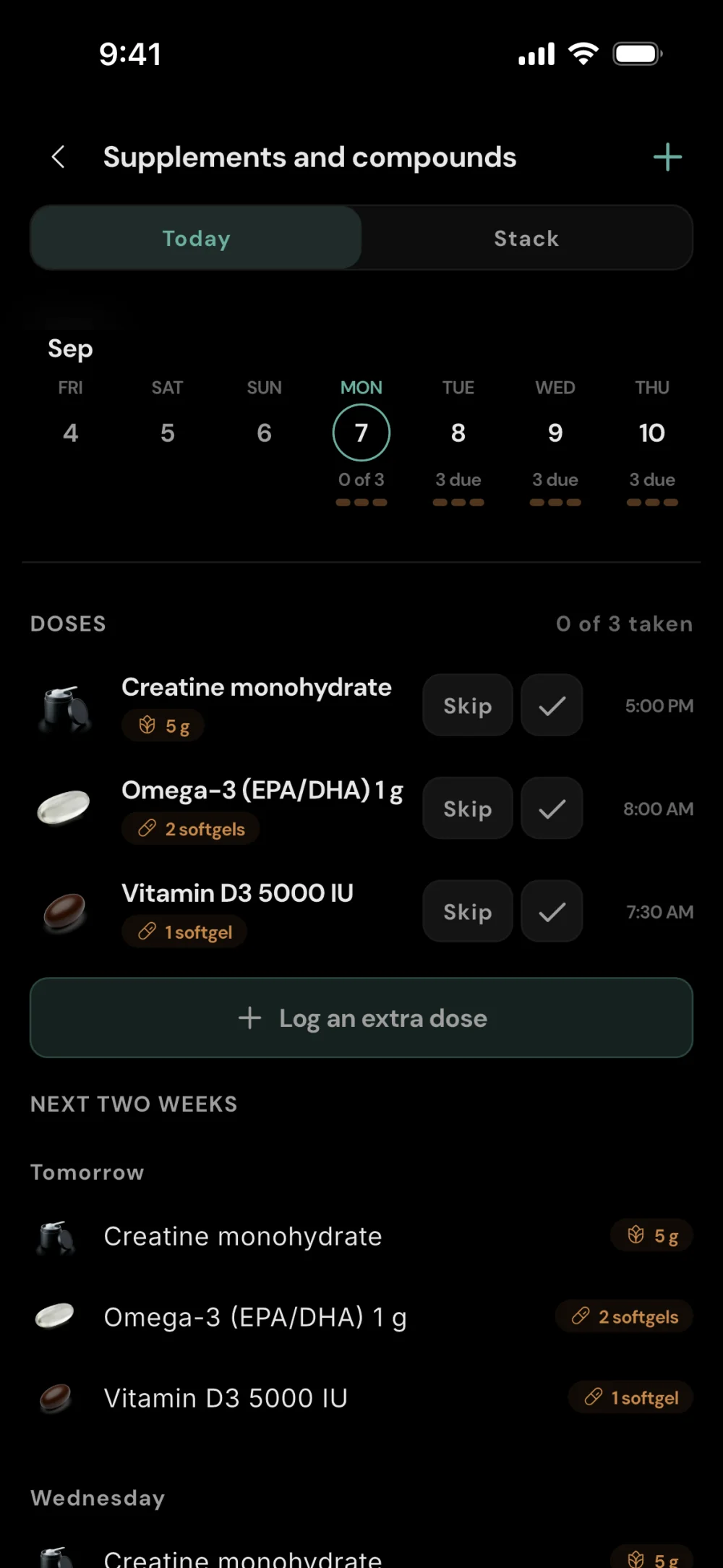
Everything you take, scheduled.
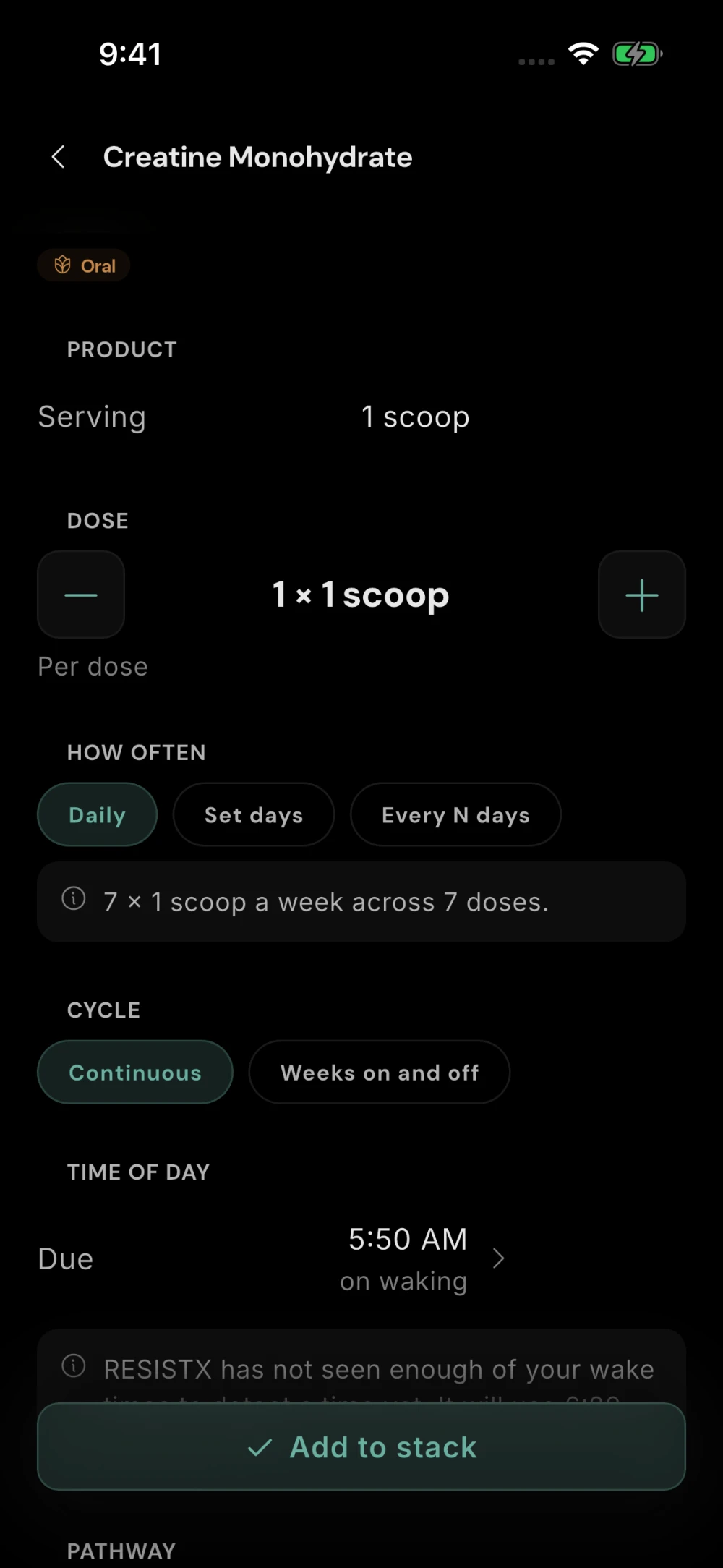
Search an ingredient or a brand product, or create your own. Each item records its route, form, schedule and unit.
Doses on a schedule: daily, on set days, every few days or on your training days. Doses with a set time get a reminder when they are due.
Injection sites logged, so you're not guessing which side was last.
Your whole stack, without the clutter.
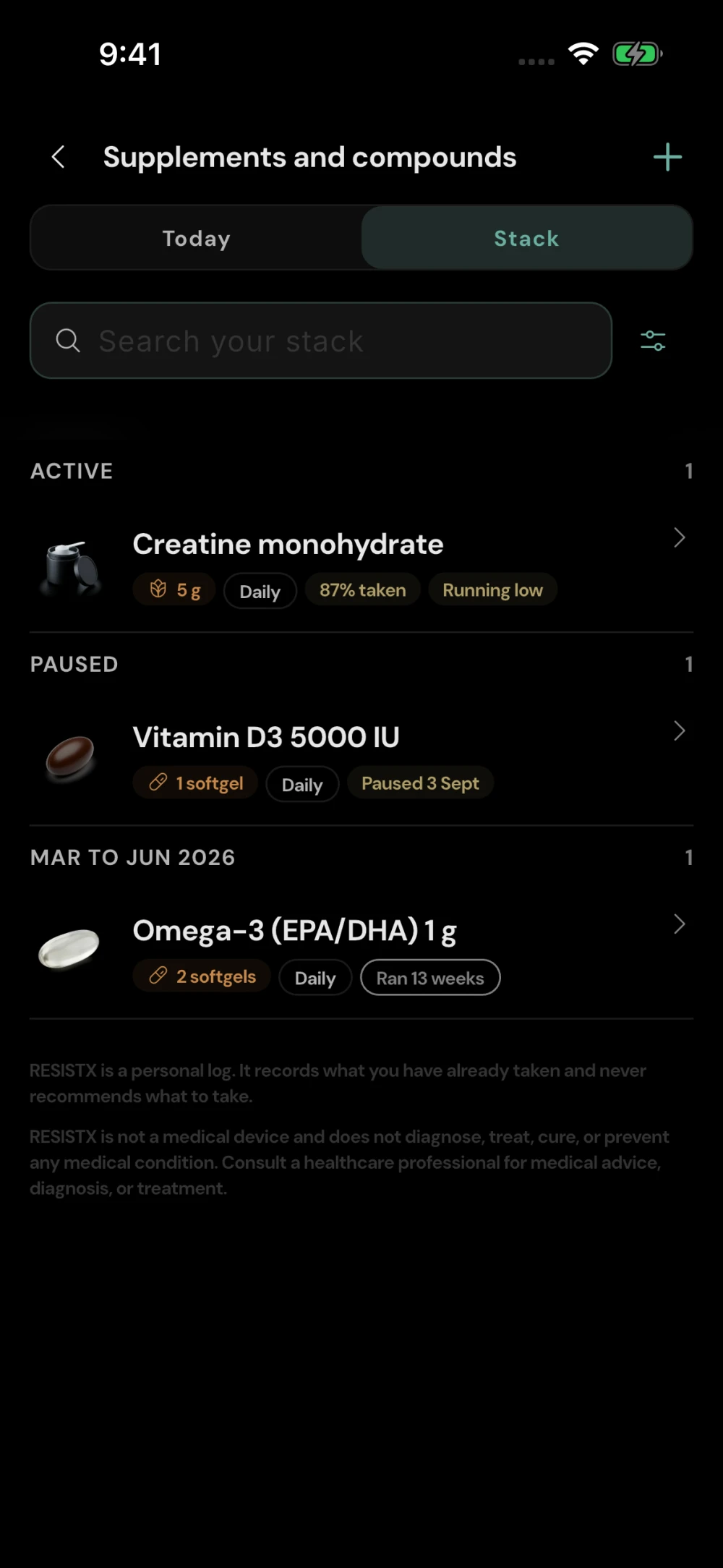
Active, paused and previous. See what you’re taking now, what’s on hold and what you’ve taken before.
The details at a glance. Each item’s dose and schedule, and how many of your scheduled doses you logged over the last 14 days.
Protocols with dates. Group items into a protocol that runs for a set period or has no end date. Pause or end one early, and repeat a finished one with new dates.
Supplements without the spreadsheet.
Scan a barcode to find a brand product, then set how much you take and when.
Timed around your training. Set an item for before or after your workout, or for the training days in your program.
Custom products for everything else.
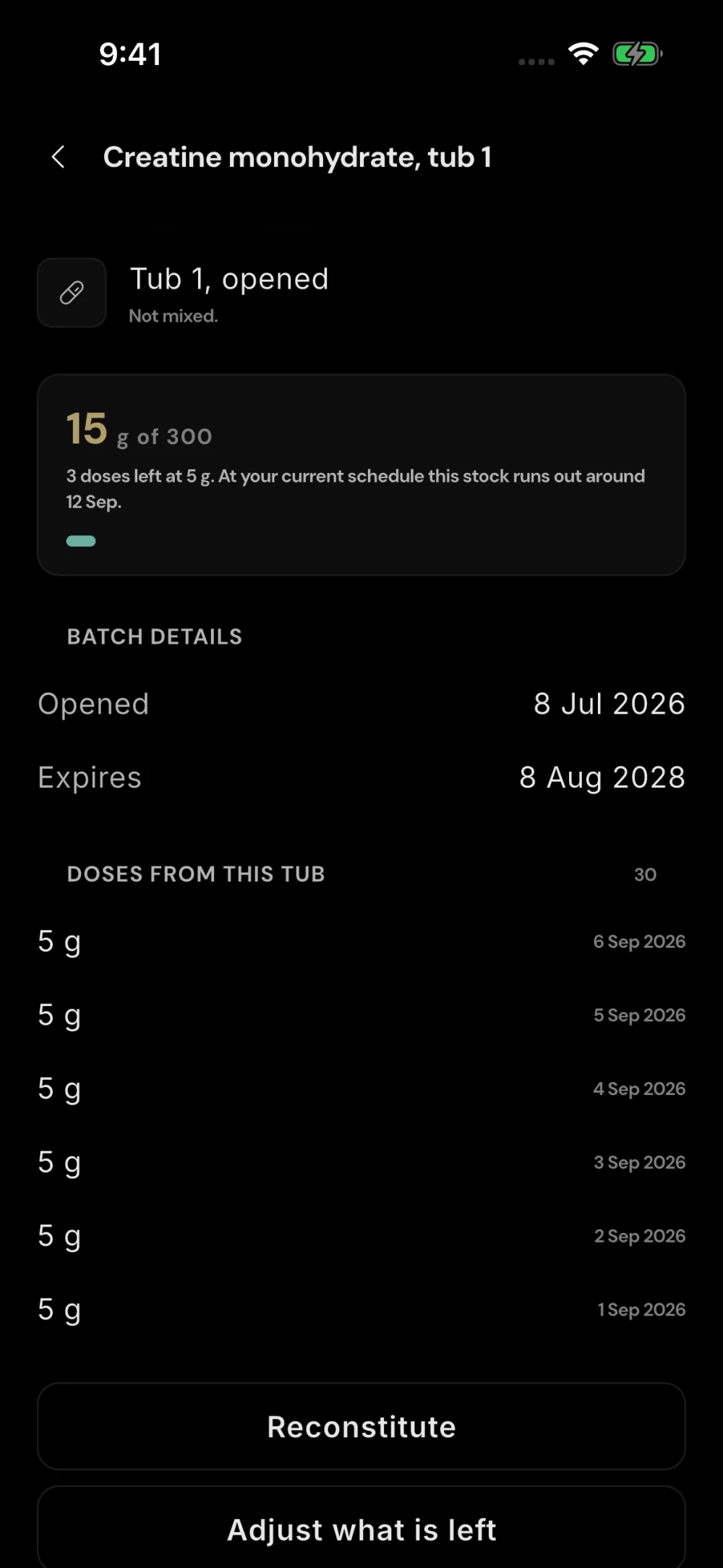
Know when you’re running low.
Keep track of what you have. Record your tubs and bottles, with the amount in each.
See what’s left. Check the amount left in each container. Set a reorder reminder and RESISTX adds a to-do before you run out.
Record a mixed vial. Enter the water you added and see the concentration alongside your stock.
Your logged doses.
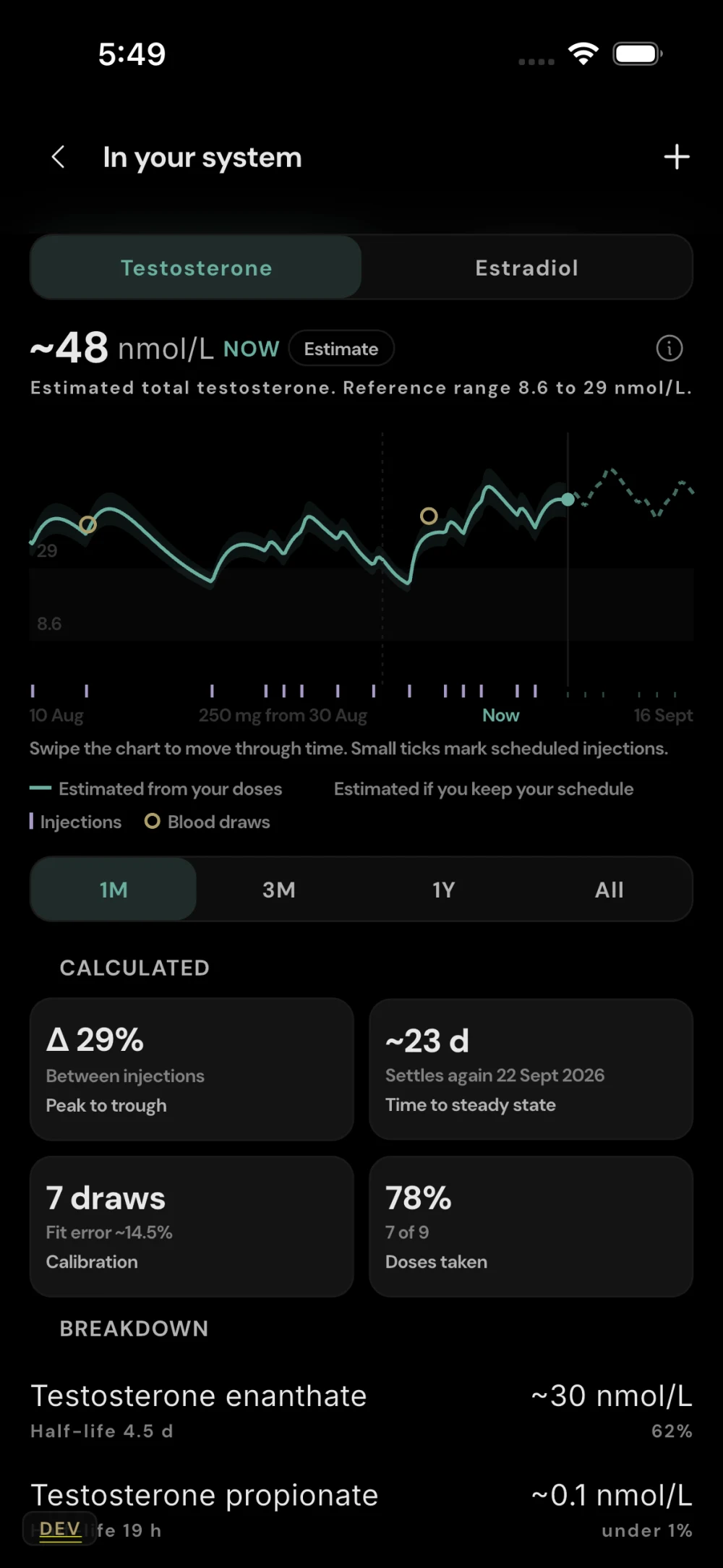
An estimated curve.
A curve calculated from your log. For ingredients with a published half-life, the Levels view draws an estimated curve from the doses you log, with your schedule projected ahead.
Your blood results on the same chart. Recorded blood draws sit alongside the curve. With three or more draws, RESISTX can fit the curve to your own results.
Related blood markers. For items such as vitamin D, iron or B12, see your related blood results next to what you were logging before each draw.
An estimate, not a measurement. The curve is a calculation, not a blood test. RESISTX does not recommend doses, products or schedules.